
Note: This documentation covers both the Free and Pro versions of FundCollector. FundCollector Pro requires the Free version to be installed and kept active at all times. Sections that apply only to Pro are marked with PRO.
Advanced Settings
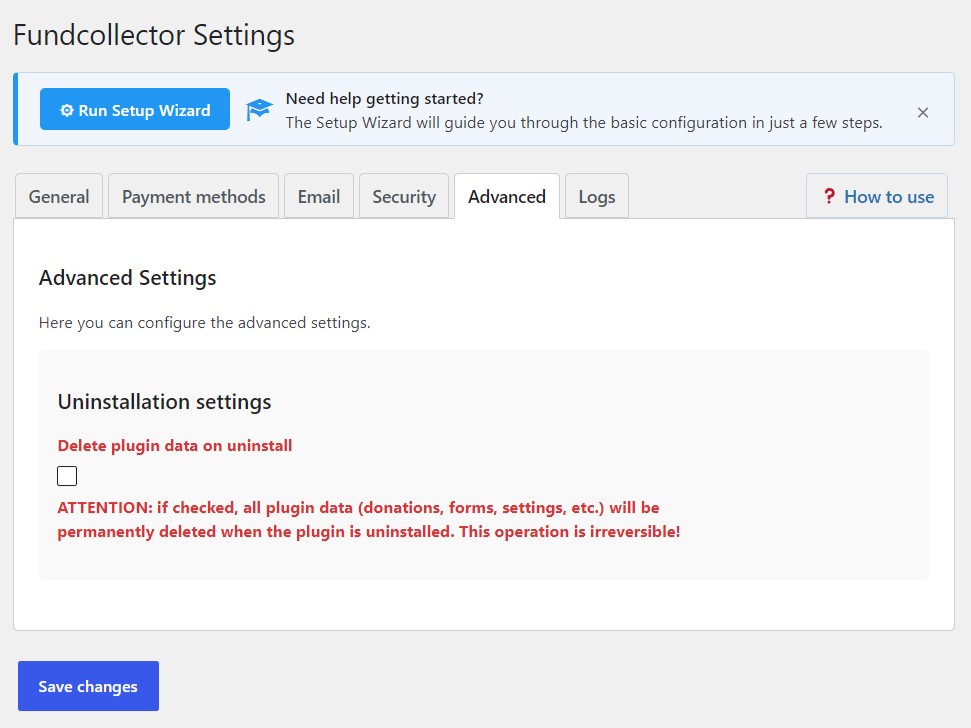
Uninstallation settings
This option controls whether FundCollector removes all of its own data when you uninstall the plugin from WordPress (not when you merely deactivate it).- Delete plugin data on uninstall: If checked, uninstalling the plugin will permanently delete plugin-related data such as donations, forms, settings, and related records. This operation is irreversible. Recommendation: Leave this unchecked unless you are deliberately wiping the site of FundCollector data, for example before removing the plugin permanently from a test installation. For production sites, keep it off so an accidental uninstall does not erase your donation history.