
Events
QR Code Donations for Events on WordPress
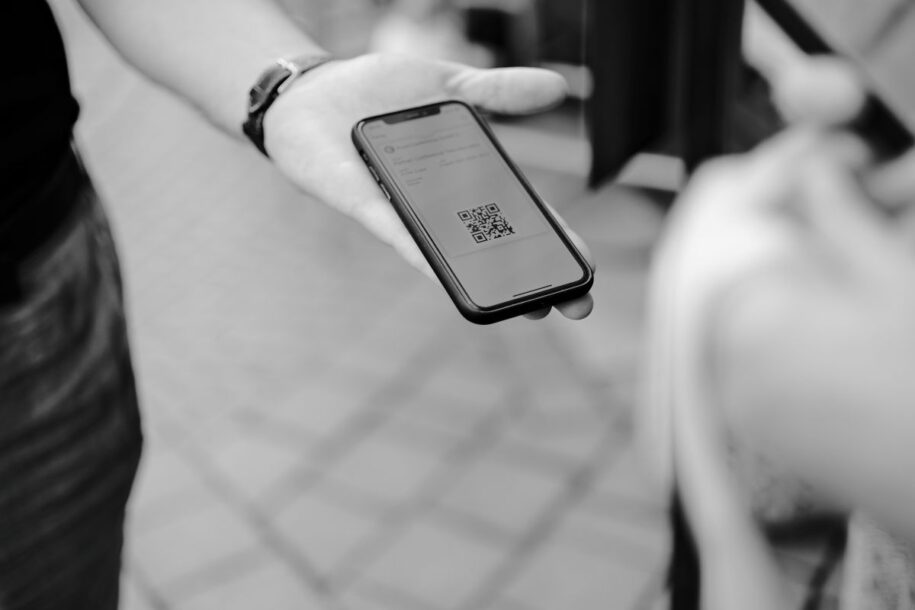
At a match, a concert, a school fair or a community evening, people will not type a long URL. A QR code on a poster, a program or a collection table can open your WordPress donation page in a few seconds. The code is only a shortcut. The page behind it still has to work on a phone, in a noisy room, on a weak connection.
What the code should open
Point the QR code at a dedicated donation URL, not at the homepage. The first screen after the scan should show a short explanation and the form. Extra navigation, popups and cookie walls lose people who are standing in a queue and only have a few seconds of patience before they put the phone away.
Use a page you control on your domain. A code that opens a raw PayPal checkout skips your story and your WordPress donor record. A form built with FundCollector, a donation plugin for WordPress, on a Donate page keeps both. See how to create a donation form if you still need to build that page.
Print so the code is actually scannable
- Make the code large enough (several centimeters on a poster, not a stamp-sized mark on a flyer). A common rule of thumb is that the code should be roughly one tenth of the distance a person stands from it, so a poster read from two meters needs a code of around 20 centimeters.
- Keep high contrast: dark modules on a light background. Do not place it on a busy photo, a patterned tablecloth or a folded program where the code crosses a fold line.
- Leave a quiet margin around the code so a phone camera can lock onto it quickly.
- Print a short instruction next to it: “Scan to donate” and the same URL in plain text for people who prefer to type, or whose camera app struggles with the code.
- Test a printed copy with more than one phone brand before you order a stack of posters. Some older phones need a dedicated QR app rather than the native camera.
If the poster will be outdoors or on a collection table, consider laminating it or using a matte finish. Glossy paper under stage lighting or direct sun can create a glare that hides the code from the camera.
Test the mobile path, not only the code
Scan the code on site Wi-Fi if you can, and also on mobile data, since the venue Wi-Fi is often the first thing to fail when a room fills up. Confirm that:
- The donation page loads quickly, even on a weak signal.
- Suggested amounts are visible without pinch-zoom.
- PayPal (or bank transfer instructions) works in the phone browser.
- The confirmation screen is readable after payment.
Run a sandbox payment first, then one small live gift. The pre-launch checklist lists what to check on the page after each test.
A backup plan for a bad connection
Large events sometimes overload the local mobile network, and no donation page loads well with no signal. If the event matters enough to justify it, keep a low-tech backup: a volunteer collecting cash or a physical card reader, plus a note to donors that they can also give later from the same URL. Do not rely only on the QR code for a fundraising target that cannot afford a dead zone in the room.
After the event
Review the donations received during the event window. Thank people who left an email. If the QR code was for a single event, take the posters down and, if you want, replace the page with a thank-you and a link to your ongoing donate page, so a code that keeps circulating on someone’s phone still leads somewhere current.
You do not need a special “QR feature” in the plugin. You need a stable URL, a form that works on a phone and a payment method people already trust. PayPal in the free version of FundCollector covers most event crowds. Recurring giving (Pro, via PayPal or Mollie) is optional and usually belongs on a follow-up page, not on a poster at the door.